Setting up Department Administrators
For a specific department, configure operational administrators who manage users and departments.
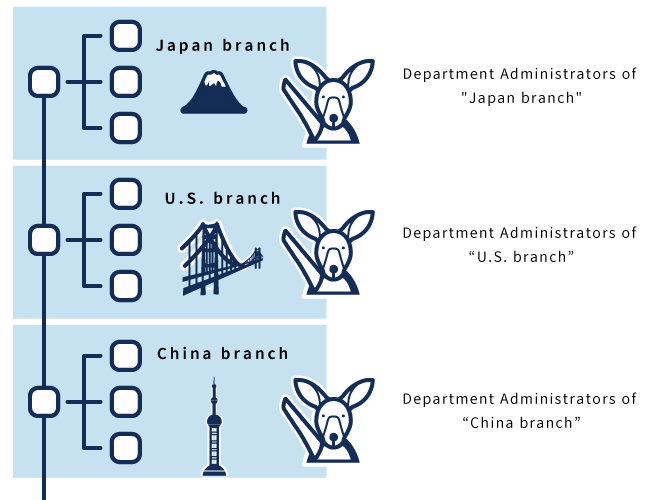
For example, if you set up the department administrators in each branch office, the tasks associated with the personnel change can be completed in each branch office.
Image of Usage
Steps:
-
Click the Administration menu icon (gear icon) in the header.
The gear-shaped icon appears only on the screen for the users with administrative privileges. -
Click Users & System Administration.
-
Click Department & Users in "User Administration".
-
On the "Department & Users" screen, set up the administrators for departments as necessary.
-
Confirm your settings and click Save.
For details, refer to Assigning Department Administrators.